Most video doorbells come with a catch: cloud storage that only works if you’re paying monthly.
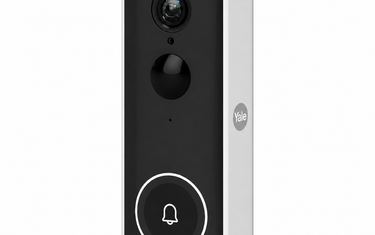
The Yale Smart Video Doorbell takes a different approach — local storage included from day one, no subscription required.
For UK homeowners who want smart front-door security without a recurring bill, that distinction matters.

What the Yale Smart Video Doorbell Does
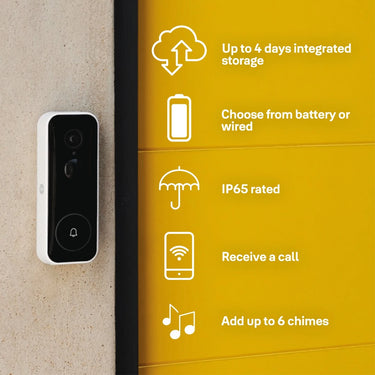
At its core, the Yale Smart Video Doorbell lets you see, hear and speak to anyone at your door from anywhere — using your smartphone via the Yale Home app.
Key features include:
- Full HD 1080p video with a wide-angle lens
- Two-way audio, so you can speak to visitors even when you’re not home
- Motion detection with instant alerts to your phone
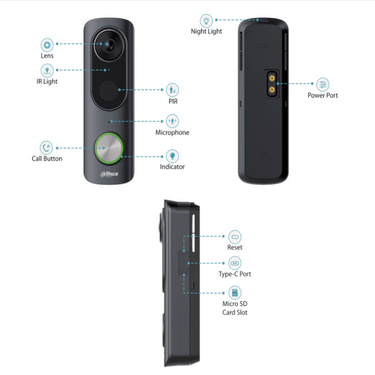
- 2–4 days of local video storage via the built-in SD slot — no subscription needed
- Available in battery-powered or wired configurations
- Works with Amazon Alexa and Google Assistant
Whether you’re inside the house, at work, or away on holiday, you get a clear view of whoever approaches your front door.
No Subscription — What That Actually Means
Most competing video doorbells from major brands require a cloud subscription to access recorded footage. Without it, you typically only get live view — so if you miss an alert, the moment is gone.
The Yale doorbell stores footage locally on an SD card. You own the footage. There’s no monthly fee to access it, and no dependency on a third-party cloud service remaining active.
For budget-conscious homeowners or those with privacy concerns about cloud storage, this is a meaningful advantage.

Battery or Wired: Which Should You Choose?
The doorbell is available in both configurations.
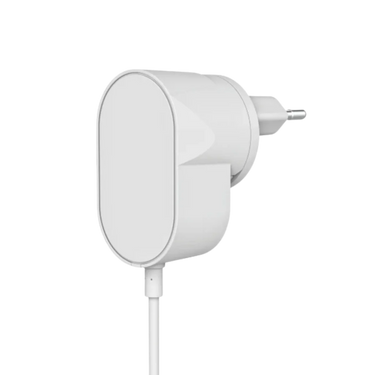
Battery installation is the more flexible option — no wiring required, and it can go almost anywhere on your door frame or wall. You’ll need to recharge the battery periodically, typically every few weeks depending on motion frequency.
Wired installation draws from your existing doorbell wiring and keeps the device permanently powered. It’s a cleaner long-term solution if you have existing wiring and don’t want to think about charging.
If you’re unsure which suits your setup, our trade counter team in Aintree are happy to advise.
How It Fits Into a Layered Home Security Setup
A video doorbell is most effective when it works alongside physical security rather than as a standalone solution.
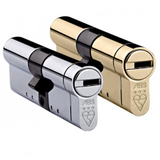
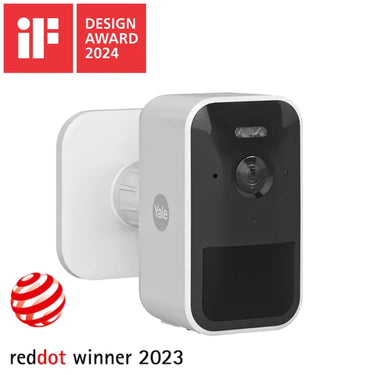
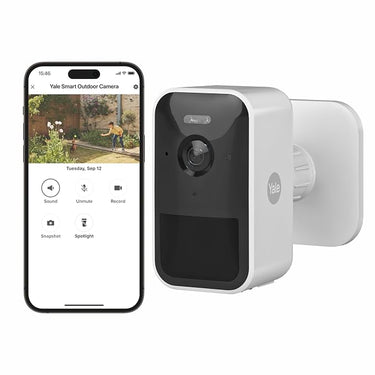
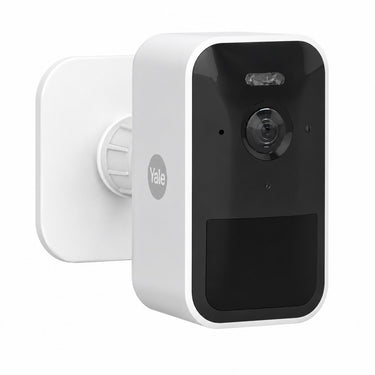
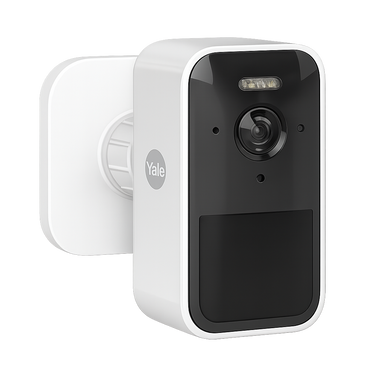
For a uPVC or composite front door, the recommended approach is a high-quality anti-snap euro cylinder paired with a video doorbell and — for wider outdoor coverage — an outdoor security camera.
The doorbell handles the front door. The outdoor camera handles the driveway, side access or garden. Together, they give you full visual awareness of your property perimeter.

Works With Your Existing Smart Home
The Yale Smart Video Doorbell connects to the Yale Home app and integrates with Alexa and Google Home. If you already use voice assistants or other Yale smart products, it slots neatly into the same ecosystem.
For trade installers or developers fitting out multiple properties, the Yale system is a consistent, well-supported platform backed by a brand with over 180 years in the security industry.
Is It Worth the Investment?
At its price point, the Yale Smart Video Doorbell offers a compelling combination of features, local storage and brand reliability.
Compared to subscription-based alternatives, the long-term cost is lower — and the setup is genuinely straightforward for a DIY install.
If you’re looking to upgrade your front-door security with a visual deterrent that also gives you remote access, this is one of the strongest options available at this price range.